MARJ
Browse
Brain
Library
◐
Get started
Join
SIGN IN
← Browse
V
Pillar V · TL
Digital
Productivity
& Tools
Re-checked every 90 days
12 lessons · 12 live
All
L1
L2
L3
L1
TL-01
L1
Spreadsheets From Zero: Formula Logic and Your First 15 Functions
→
A working budget sheet built from your own real numbers, with 8+ functions and no hard-coded values
L2
TL-02
L2
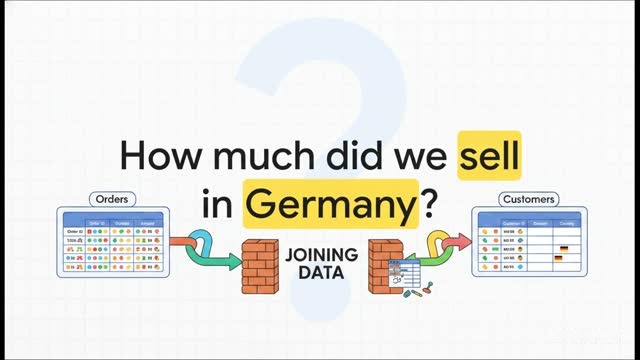
Spreadsheets, Level Two: XLOOKUP, Pivot Tables, Conditional Formatting
→
An analysis sheet joining two real datasets, with a pivot table and rule-based highlighting
L2
TL-03
L2
Cleaning Messy Data Into Something Usable
→
One real messy dataset cleaned into a tidy table you can actually analyse
L3
TL-04
L3
Spreadsheets, Level Three: Dynamic Arrays, Power Query, Dashboards
→
A one-page live dashboard that updates itself when the underlying data changes
L1
TL-05
L1
Building a Personal System in Notion
→
A working personal dashboard in Notion: a task database, a notes area, and one linked view
L2
TL-06
L2
Note-Taking: Collect Connections, Not Notes
→
A small note system built around linking ideas: five real notes, in your own words, connected to each other
L1
TL-07
L1
A Calendar and Task System You'll Actually Keep
→
A working two-part system — one calendar, one task list — set up and run for real for three days
L1
TL-08
L1
Keyboard Shortcuts: Buying Back Three Hours a Week
→
Ten shortcuts you didn't already use, drilled to muscle memory over a week, with the mouse-reach they replace named
L1
TL-09
L1
File Architecture, Naming and Backups
→
A folder structure and naming convention set up on your own files, plus a working backup of what you can't afford to lose
L3
TL-10
L3
Automation: Killing Repetitive Work with Zapier, Make or n8n
→
A live automation that runs by itself: a trigger connected to an action, tested and working
L2
TL-11
L2
Google Workspace Properly: Forms, Apps Script, Sharing Logic
→
An automated form flow: a Form that feeds a Sheet and triggers an action, plus deliberate sharing
L1
TL-12
L1
Design Tools: Canva and Figma Basics
→
One finished, exported design asset made with deliberate layout choices
← Previous column
IV
Presenting & Persuasion
Next column →
Technical Foundations
VI